
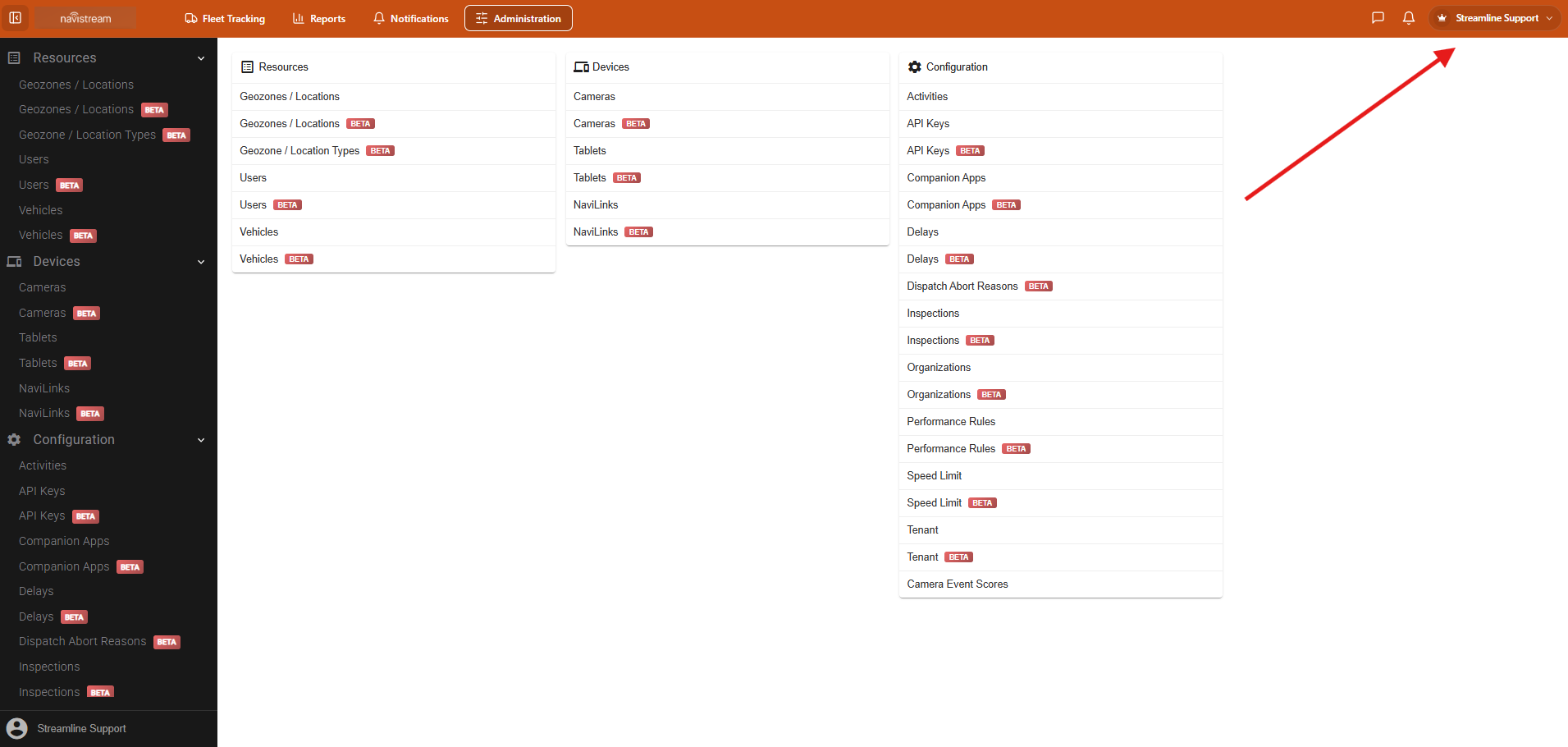
The System Settings page contains important settings that can impact your organization. You can access this page if your user has the Super Administrator role assigned to it. You can access this page by selecting your name in the top right corner of the screen.
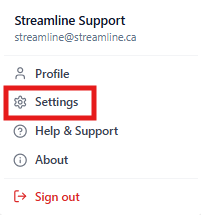
Then by pressing the Settings button
Here you are able to enable or disable the following settings by pressing the switch or entering a value. To save select the Save Settings button in the upper-right corner.
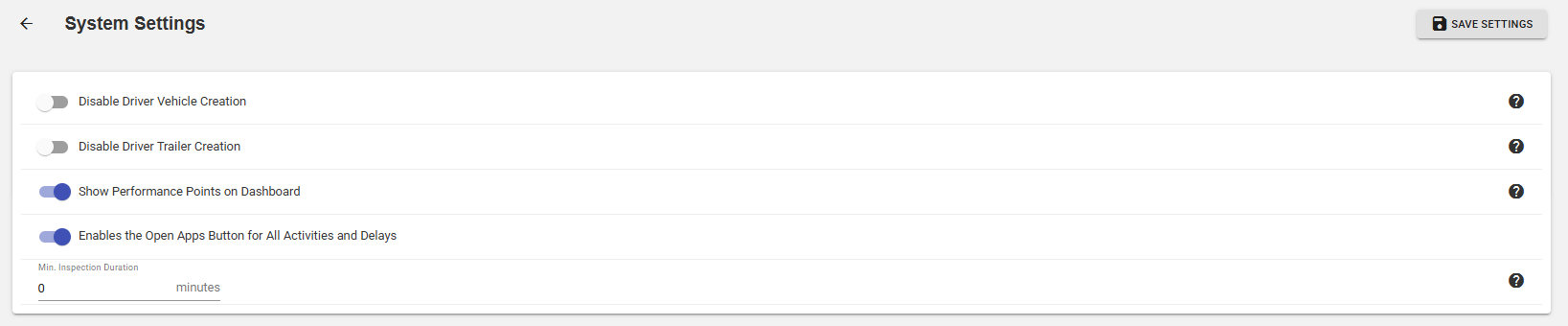
From here you are able to disable the ability for Drivers to create a Vehicle or Trailer on their Navistream Driver App, toggle the Driver's from seeing Performance Points while on the Navistream tablet and set a minimum inspection duration for your drivers while they are completing their Pre or Post-Trip Inspections.
For an explanation of a setting, hover your mouse over the question mark icon beside it.

For a more detailed explanation, or if you have any questions then please reach out to Navistream Support.
Navistream Support
1(844)571-8200 Ext 2
navistream@stti.ca