
The SD card in your Navistream camera must be correctly formatted in order it to function. Formatting will need to take place if you are replacing the SD card in your Navistream camera, or have been directed to format the existing SD card by the Navistream Support team.
Please note that formatting an existing SD card will remove all recordings on the SD card.
To start the process of formatting the SD Card in your Navistream camera, please be inside the vehicle with the parking brake on, the ignition on and press the touchscreen on your camera to view the PIN screen.
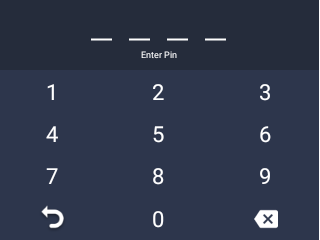
Next enter the default PIN 3333 to unlock the Navistream camera or enter your own PIN if it was changed. Once unlocked you will view the Main Menu. From here select Settings.
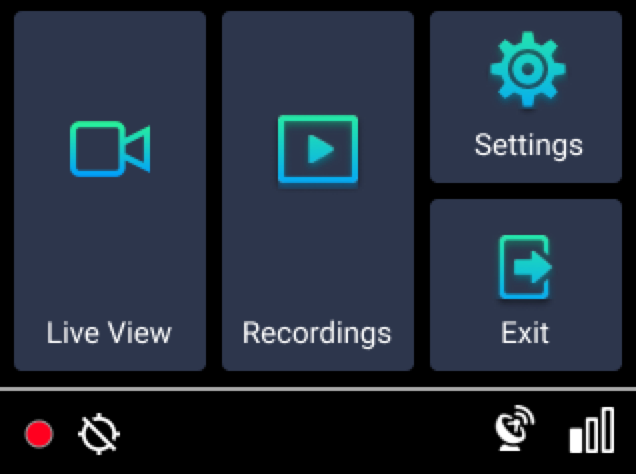
Next scroll down and select Format SD Card. This will take a moment to complete, once completed the SD card will be successfully formatted.
If you run into any issues during this process please reach out to Navistream Support at:
support@stti.ca
1(844)571-8200 ext 2